

“My card was charged. Where is my booking?”
Check whether you have a pending authorization, a posted charge or a confirmed reservation—before attempting the purchase again.
Know what evidence to save →
12 travel problem flows, 36 decision paths, 28 Korean help phrases and a 24-page offline PDF. Proposed price: US$12.99. Checkout not yet live.
Card charged but no booking? Korean number required? Reservation stuck?
When an app, payment or booking stops your Korea trip, find a safer next step. Not another long travel article—a practical decision toolkit for the moment something goes wrong.
Proposed one-time price · Mobile HTML + 24-page offline PDF · Secure checkout is being prepared.
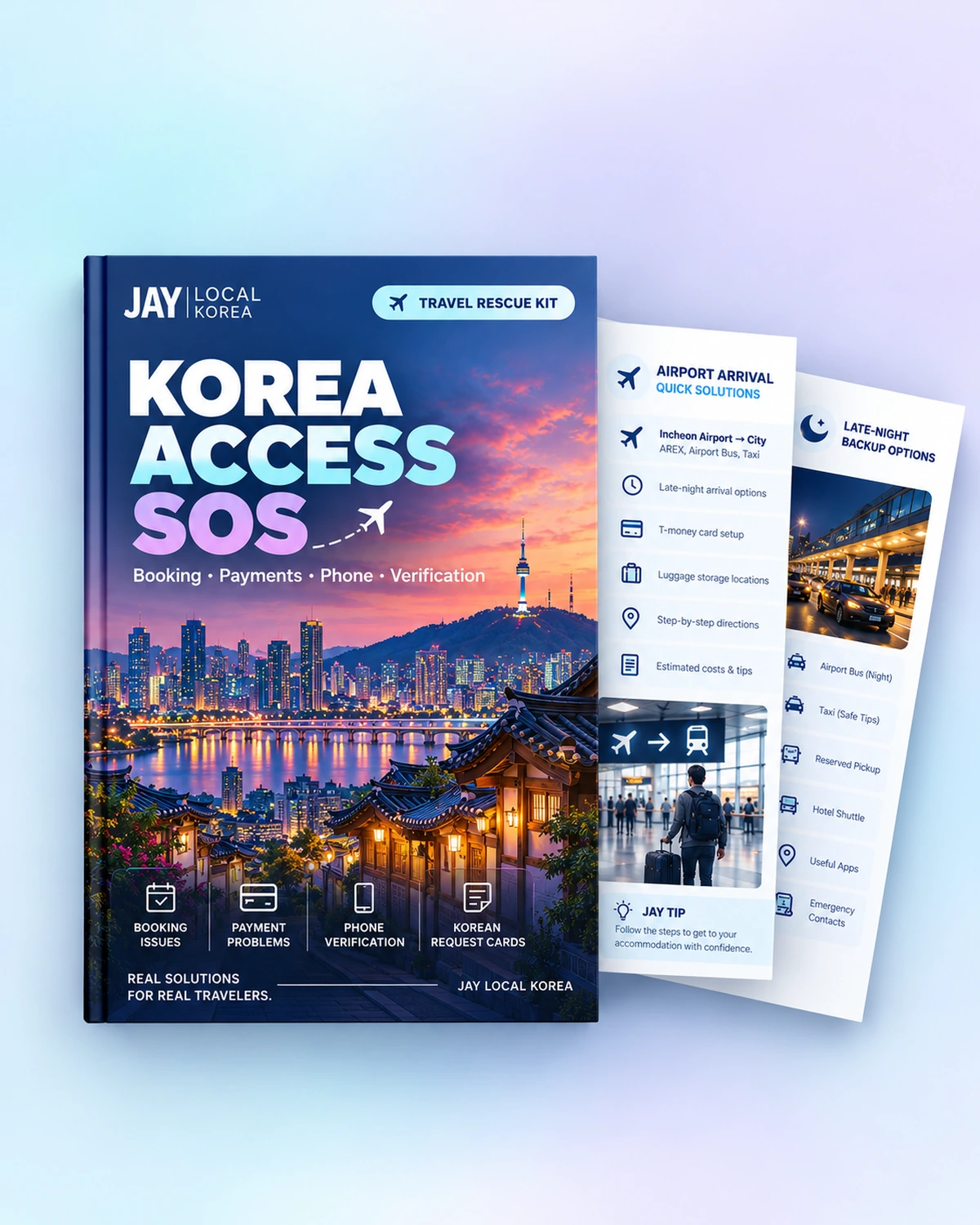
Three examples from the toolkit. Each topic contains more specific questions and decision paths in the full product—so you do not have to treat every failed checkout as the same problem.
Check whether you have a pending authorization, a posted charge or a confirmed reservation—before attempting the purchase again.
Know what evidence to save →
See whether the exact service offers an eligible visitor route, including supported passport-based options. Some third-party identity checks still require local credentials.
Avoid unsafe workarounds →
Separate a reservation from a waitlist, compare the specific purchase channel and ask staff the right question in Korean.
Find a practical fallback →
The offline guide gives you the reference. The mobile tool helps you select the situation that matches what is on your screen.
A downloadable HTML tool you can open in a browser, including offline for its built-in instructions.
An English PDF you can save on your phone before you need it.
Built for quick decisions when you are looking at a failed payment, signup screen or reservation attempt. Use it on your own device, even when the built-in guidance needs to be offline.
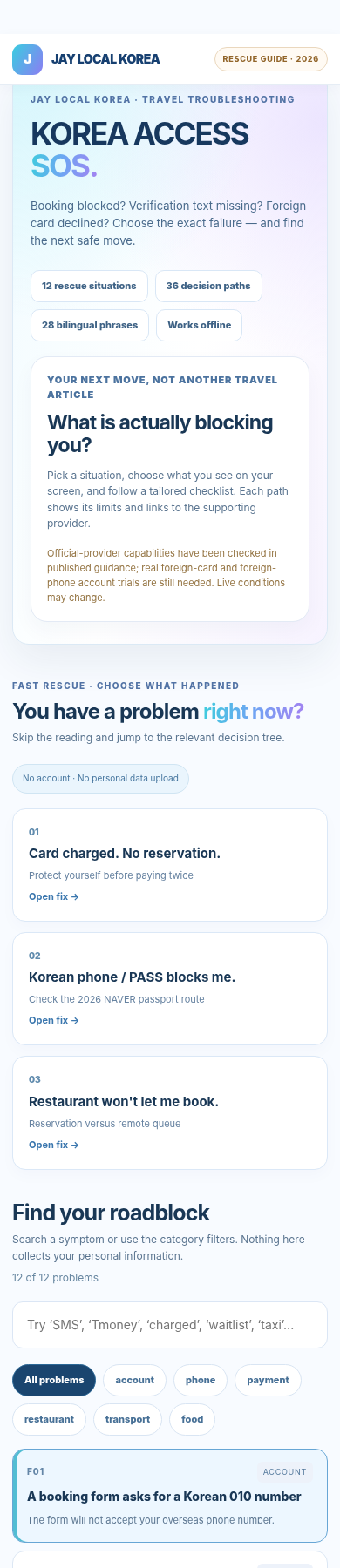
Actual v3 tool screenshot. Provider websites and live bookings require an internet connection. Tool instructions are not a guarantee that a service will accept your account or card.
Plan your first 24 hours: airport transfers, check-in, local transport and backups before they become a problem.
The booking has not appeared, verification will not complete, or a payment channel is blocked. Pick the matching problem and follow a safer next move.
CURRENTLY IN PRODUCT PREVIEW
No. It is a decision and reference tool—not a reservation, identity-verification, payment-processing or bank-intervention service. Supported routes depend on the actual provider, bank, account and current conditions.
The downloadable PDF and the built-in guidance in the HTML tool can be used offline after saving both files locally. Opening provider websites, contacting support or checking a live reservation still requires internet.
No. The guide explains where official visitor options are documented and where the third-party service may still require local identity credentials. It never recommends borrowed identities, fake numbers or public OTP inboxes.
The Arrival Starter Kit helps you prepare for arrival. Access SOS focuses on what to do after a booking, payment, phone verification, taxi, train or food-delivery process fails.
The planned delivery method is through My JAY Purchases after verified PayPal payment. This checkout and download process is still being tested; the product is not available to purchase on this preview.
One mobile tool. One offline PDF. Clear limitations and practical next steps, with official source references you can check.
24-page PDF + mobile HTML · Proposed launch price
Checkout being prepared
No payment is taken on this preview. We will enable secure purchase only after the PayPal–My JAY delivery and access tests pass.
Browse the existing JAY guide collection while this new toolkit is being prepared.
Start on this device, then sign in to keep your Trip Book, routes and saved places across devices.


